Say Goodbye to Manual Quantity Takeoffs!
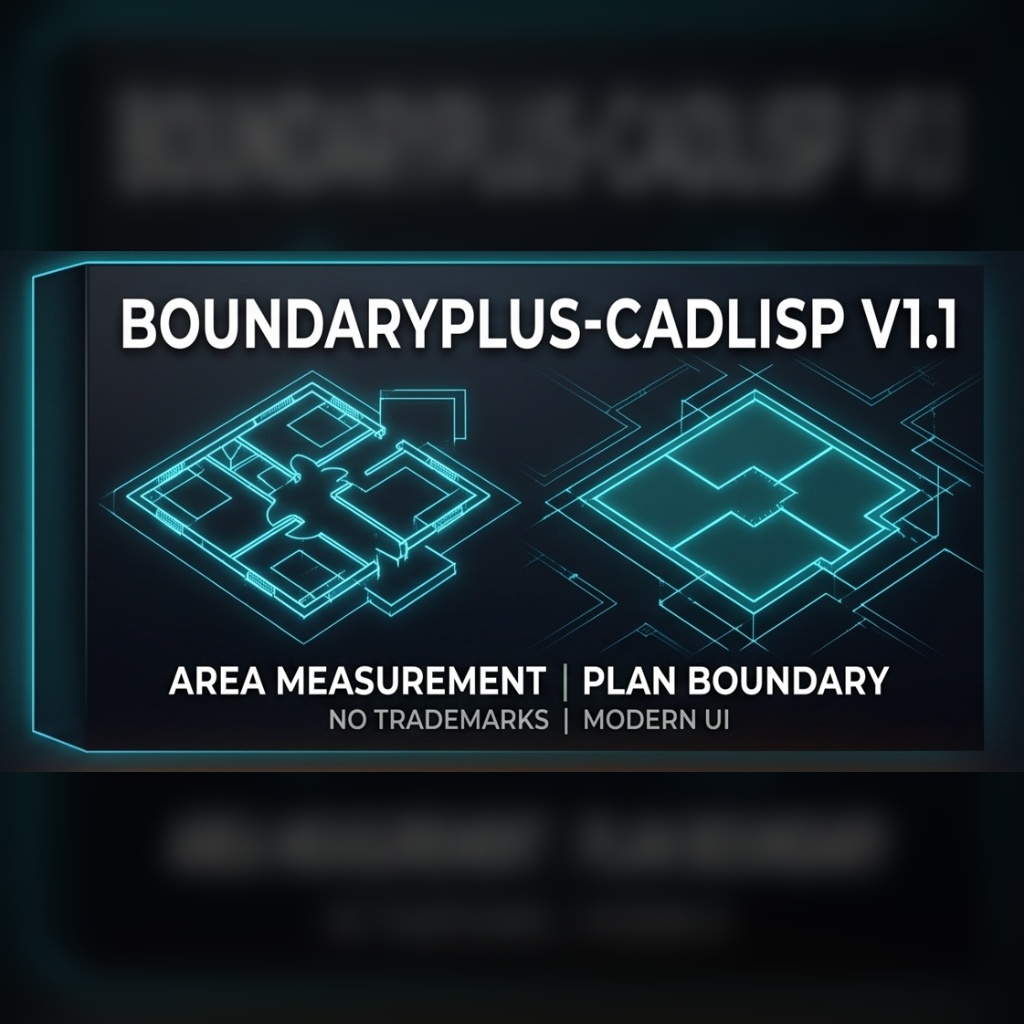
Quantity takeoff calculation is the most time-consuming and error-prone process in architectural and structural projects. With BoundaryPlus v1.1, it now takes only seconds. Eliminate the fatigue of manual calculations and the risk of errors.
Key Features
- Smart Area & Perimeter Calculation: Automatically detects closed areas (rooms, slabs, walls) and calculates with millimeter precision.
- Automatic Tagging: Instantly processes calculated areas into your project as stylish tags in “Room Name, No, Area (m²), and Perimeter (m)” format.
- Inner & Outer Boundary Separation: Calculate interior net areas (for skirting boards, etc.) or building exterior rough boundaries separately.
- Excel & Table Export: Export all quantity data in the project to an AutoCAD table or directly to Excel (.CSV) format with a single command.
- Multi-Language Support: The plugin comes with both English and Turkish language options.
- Customizable Settings: You can adjust text size, layer names, colors, and starting numbers according to your project standards.
How to Install and Use?
- Download the file and extract it from the ZIP archive.
- Open AutoCAD and type
APPLOADin the command line. - Select the downloaded
.vlxfile and click the “Load” button. - Type
METRAJorQUANTITYin the command line to start the interface.
Legal Note: This software is licensed and is currently offered FREE to all users for a limited time. We reserve the right to terminate this free offer, change the pricing policy, and switch to a paid version at any time without prior notice. All intellectual property rights are reserved.